
You open a folder, and photos, documents or entire directories simply aren’t there — as if they vanished overnight? It’s a stressful situation, but before you panic, do one crucial thing: don’t shut down or restart your laptop. Especially with SSDs, rebooting can cause data to be overwritten and lost permanently. Bring your laptop in the state it’s in for a free inspection (5–15 minutes).
In short: disappearing data rarely means the files are physically gone from the drive — most often they’re still there, the system has just stopped seeing them. The key is not to do anything that could overwrite them before you bring it to us.
Most common causes — from most to least likely
- File system corruption — the data is physically on the drive, but the system can’t read or display it.
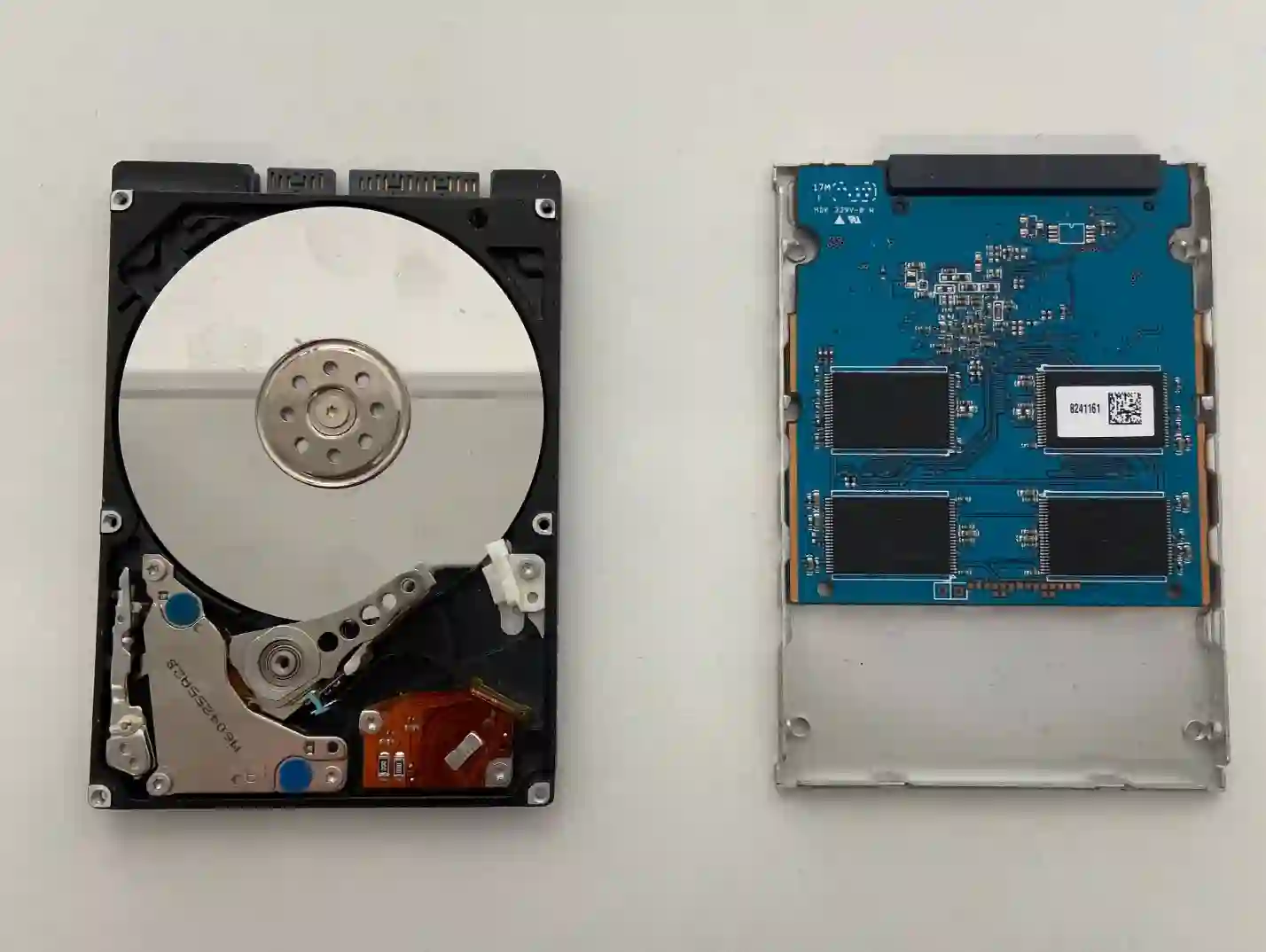
- Failing drive — some sectors become unreadable, causing certain files or folders to „disappear”.
- Accidental deletion or moving — sometimes files end up in a different location, for example as a result of cloud synchronization.
What you can check yourself before coming in
- Check whether you have a laptop or phone synced with OneDrive — sometimes files have only „disappeared” locally and are safe in the cloud.
- Check your email inbox — if you ever sent important files to yourself by email, they may still be there.
- Think about whether you have an old HDD from a previous computer at home — many people switched to SSDs around 2020 and may have left a copy of their data on the old drive.
- Write down exactly which folder and at what point you noticed the missing files — this helps us narrow down the cause more quickly.
What NOT to do
- Don’t shut down or restart your laptop — especially with SSDs, rebooting can cause permanent data overwriting.
- Don’t save new files on the same drive, even temporarily.
- Don’t install „data recovery” programs downloaded from the internet — they can write data to the disc themselves, reducing the chance of recovery.
We always ask about things clients wouldn’t think of themselves — whether the data syncs with OneDrive on another device, whether they sent something by email, whether there’s an old HDD lying at home from before switching to SSD. Sometimes the data hasn’t disappeared at all, it’s just somewhere else.
Apenfix technician
How we diagnose it
1. Interview about storage locations
We ask about the cloud, email and other devices before moving on to technical disc analysis.
2. Disc condition check
We check whether the disc is starting to fail physically, or whether the problem only concerns the file system.
3. Data read attempt
Using specialist tools, we check whether the data still physically exists on the disc.
4. Data recovery
If the data can be recovered, we copy it safely to a new storage medium.
Extended diagnostics, if needed, takes 1–3 working days. It’s free if you decide to go ahead with the repair — if you decline, its cost is determined and quoted upfront.
Laptop data recovery — we serve all of Warsaw
We accept laptops with lost data from clients in every district of Warsaw — Śródmieście, Wola, Mokotów, Ochota, Żoliborz, Bemowo, Bielany, Ursynów, Praga-Południe, Praga-Północ, Targówek, Białołęka, Wawer, Włochy, Ursus, Wilanów, Rembertów and Wesoła — as well as from the surrounding areas.
We have more than one location in convenient parts of Warsaw, so getting to us is quick and easy wherever you live or work. Our current service point addresses are listed further down this page.
Why Apenfix
Frequently asked questions
Can the data definitely be recovered?
There’s no 100% guarantee, but we recover data from HDDs almost always, and from SSDs in 70–80% of cases, provided the data hasn’t been overwritten.
My drive is encrypted with BitLocker — what now?
Without the encryption key, data recovery is virtually impossible — it’s worth checking whether the key is saved in your Microsoft account.
Should I try data recovery software myself?
We advise against it — such programs write data to the drive while running, which can reduce the chances of successful recovery.
Does the laptop have to stay with you for long?
Initial diagnostics takes 5–15 minutes, and full data recovery, depending on the scope, usually takes 1–3 working days.
What if it turns out the data is safely stored in the cloud?
That’s the best possible scenario — we’ll help you set up access and download the data back onto a working drive.
The cost depends on the scope of work — from simple file system recovery to advanced recovery from a damaged drive. You’ll find current rates in the price list.
Two service points in Warsaw
Visit whichever of our two locations is more convenient for you.
Location 1 — Wolska
Wolska 50A/Lokal 26
01-187 Warszawa
Location 2 — al. Szucha
al. Jana Chrystiana Szucha 1
00-580 Warszawa
See also
- Laptop doesn’t detect the drive
- Data transfer to a new drive
- Ex-lease laptop servicing
- Laptop won’t turn on
