
Your laptop shows a black or blue screen at startup with a message about a missing operating system, or doesn’t detect the drive at all? We understand your first thought is worry about photos, documents and years of work. Before you do anything else — don’t reinstall Windows and don’t write anything to the drive. During a free inspection (5–15 minutes), we’ll check whether it’s a problem with the drive itself or just with the system recognising it.
In short: a laptop that „doesn’t detect the drive” is very often simply a drive failure — this doesn’t automatically mean data loss. HDDs can almost always be recovered, and SSDs in most cases, as long as they haven’t been overwritten with new data.
Most common causes — from most to least likely
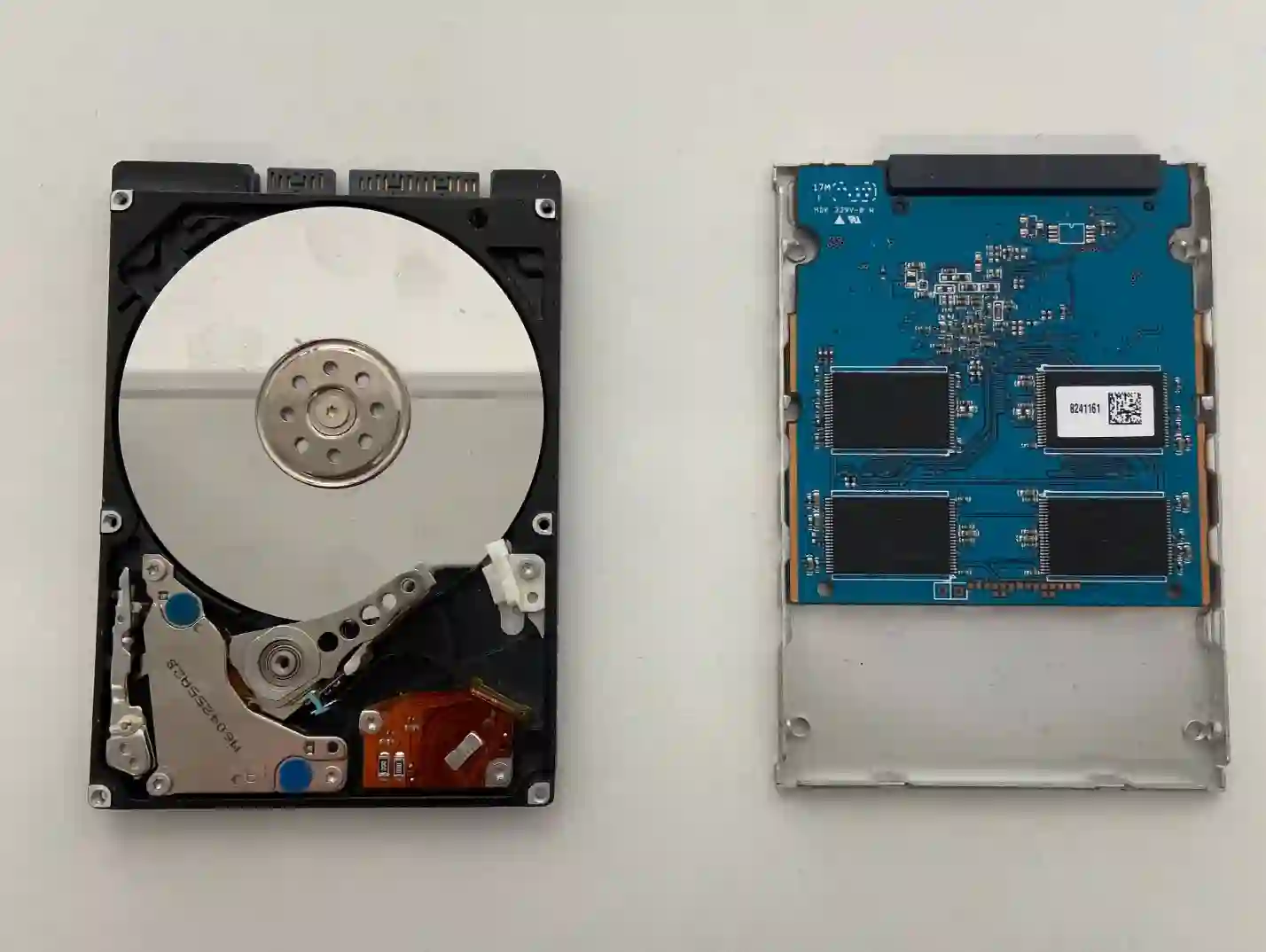
- Drive failure — an SSD usually either works or stops working suddenly, with no prior signs of slowdown.
- Damaged drive connector on the motherboard — the drive itself is fine, but the system doesn’t detect it due to a connection problem.
- Corrupted file system without physical drive damage — the data is still there, just unreadable without the right tools.
What you can check yourself before coming in
- Write down the exact wording of the message displayed on screen — this helps us narrow down the cause more quickly.
- Check whether the laptop starts up at all to the manufacturer’s logo stage, or freezes earlier.
- Don’t turn the laptop off and on repeatedly to test it — each additional startup is a risk to your data.
- Try to remember whether the laptop was recently dropped, knocked or if there was any unusual event before the problem appeared.
What NOT to do
- Don’t reinstall Windows — this overwrites data on the drive and drastically reduces the chance of recovering it.
- Don’t write anything to the drive, even if you manage to see it briefly in system tools.
- Do not run „disk repair” programs downloaded from the internet — they can automatically format or overwrite your data.
The most important advice we give: if your laptop doesn’t detect the drive, absolutely do not reinstall the system yourself. We recover HDDs almost always, and SSDs in 70–80% of cases, as long as the drive simply stopped being readable and wasn’t additionally overwritten.
Apenfix technician
How we diagnose this
1. Testing the drive outside the laptop
We connect the drive externally to check whether it’s detected at all and what condition it’s in.
2. Checking the connector on the motherboard
We check whether the problem lies with the drive connector on the motherboard.
3. Assessing data recovery options
If the drive is damaged, we assess the realistic chance of recovering your data before taking further steps.
4. Deciding on next steps
We agree with you whether the priority is data recovery, drive replacement, or both.
Extended diagnostics, if needed, takes 1–3 working days. It’s free if you decide to go ahead with the repair — if you decline, the cost is agreed and quoted upfront.
Laptop repair when the drive isn’t detected — we cover all of Warsaw
We accept laptops that don’t detect drives from clients in every district of Warsaw — Śródmieście, Wola, Mokotów, Ochota, Żoliborz, Bemowo, Bielany, Ursynów, Praga-Południe, Praga-Północ, Targówek, Białołęka, Wawer, Włochy, Ursus, Wilanów, Rembertów and Wesoła — as well as from the surrounding areas.
We have more than one location in convenient parts of Warsaw, so getting to us is quick and easy wherever you live or work. Our current service point addresses are listed further down this page.
Why Apenfix
Frequently asked questions
Will I definitely lose all my data?
Not necessarily — we recover data from HDDs almost always, and from SSDs in most cases, as long as nothing has been overwritten on them.
My drive is encrypted with BitLocker — what then?
Without the encryption key, data recovery is practically impossible — so it’s worth checking whether you have the recovery key saved, for example in your Microsoft account.
Why can’t I just reinstall the system?
Installing the system overwrites data on the drive, which can permanently destroy the chance of recovering it.
What if it turns out it’s just the connector, not the drive itself?
That’s good news — repairing the connector is usually simpler and cheaper than replacing the drive, and the data remains untouched.
How long does diagnostics and potential data recovery take?
Initial diagnostics takes 5–15 minutes, and the full process, depending on the scope, usually takes 1–3 working days.
The cost depends on whether only drive replacement is needed, or data recovery as well. You’ll find current rates in the price list.
Two service points in Warsaw
Visit whichever of our two locations is more convenient for you.
Location 1 — Wolska
Wolska 50A/Lokal 26
01-187 Warszawa
Location 2 — al. Szucha
al. Jana Chrystiana Szucha 1
00-580 Warszawa
See also
- Data disappeared from laptop
- Laptop won’t turn on
- Data transfer to new drive
- Laptop slowing down and freezing
