
Installing an operating system on a Toshiba laptop at Apenfix means a clean Windows installation with drivers selected for your specific, often older model — whether Windows has stopped booting or you want to refresh a well-used machine. Repair usually takes 1–3 working days.
In short: Installing an operating system on a Toshiba laptop at Apenfix includes checking the drive and its performance, installing your chosen version of Windows in your chosen language (Polish, English, Ukrainian or Russian), and a complete set of drivers ready to go. If you don’t have a licence key, we check for it in the BIOS, and if it’s not there — we advise where to buy one.
Our experience — installing operating systems on Toshiba laptops
We have installed operating systems on Toshiba laptops, covering models from this brand. We record every job in our own integrated service database, so knowledge about specific designs isn’t tied solely to one technician’s memory. Some of our technicians are graduates of the Military University of Technology (WAT) in electronics and telecommunications.
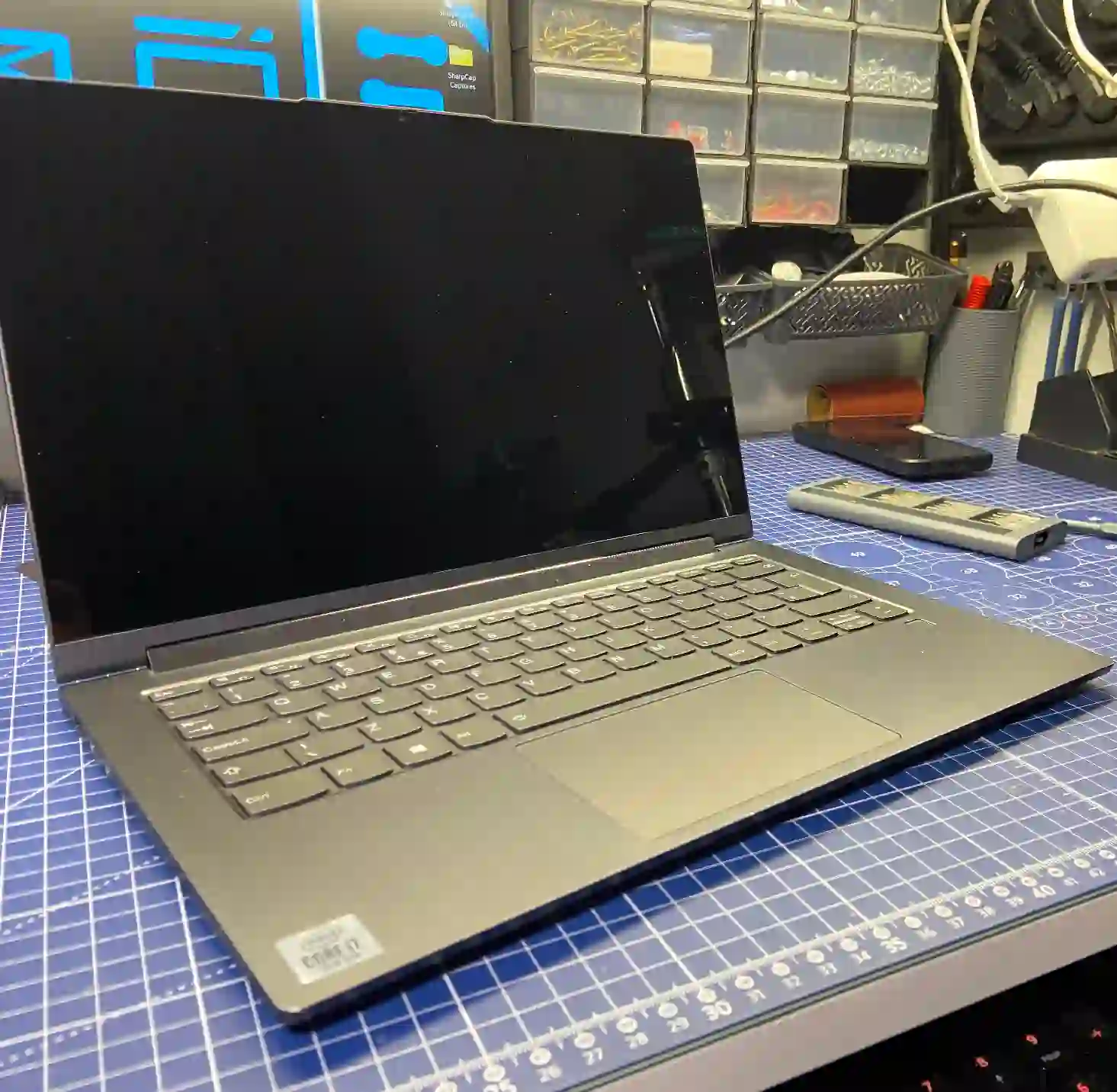
Toshiba — what we pay attention to when installing an operating system
Toshiba is a brand with an older design compared to the currently dominant HP, Acer, Dell or Lenovo on the market — Toshiba no longer manufactures new laptops on a wide scale. In practice, this means that when installing an operating system on older models, we additionally check whether the hardware can even handle the current version of Windows and whether appropriate, up-to-date drivers exist for the given model — sometimes it’s necessary to search for older driver versions matched to the specific component.
When you’re looking for an operating system installation on a Toshiba
You usually land on this page by typing something into Google like: „Toshiba Windows won’t start”, „Windows installation on old Toshiba laptop”, „drivers for Toshiba laptop” or „Toshiba laptop runs slowly after installation”. With older hardware, a good installation isn’t just about the operating system, but also matching drivers to a specific, sometimes discontinued model.
Symptoms — when a Toshiba needs an operating system installation
- Windows won’t boot and shows an error or black screen
- The system keeps booting into recovery mode
- The laptop runs very slowly despite replacing the drive with an SSD
- You want to refresh an older laptop and restore it to normal working order
- Drivers are missing for some components
- You want to change the system language version
When installing the system, we always ask about data on the disk before doing anything — if there isn’t much data, we back it up free of charge. On older models, such as Toshiba, we also check whether the hardware can actually handle the chosen system version.
Apenfix technician
What happens if you delay system installation
A laptop that won’t boot the system usually won’t fix itself, and further restart attempts can make the problem worse, especially if the cause is a damaged disk.
- Access to data on the disk may become increasingly difficult
- A damaged file system can continue to degrade
- Work or everyday laptop use comes to a complete halt
- Older hardware without current drivers may run even slower
How Toshiba system installation works at our service centre
1. Disk check
We verify the disk’s condition and speed, and ask about any data that needs to be backed up before installation.
2. Choosing the system version
We determine which version of Windows the hardware can handle, as well as the language version — Polish, English, Ukrainian or Russian.
3. Checking the licence key
We check the key in the laptop’s BIOS. If it’s not there, we advise where to purchase one.
4. Installation and drivers
We install the operating system and a complete set of drivers matched to the specific, often older, Toshiba model.
The above describes the process in our service centre. This is not a DIY installation guide — incorrectly performed installation can lead to permanent data loss.
System installation on Toshiba laptops — we serve all of Warsaw
We accept Toshiba laptops for system installation from customers in every Warsaw district — Śródmieście, Wola, Mokotów, Ochota, Żoliborz, Bemowo, Bielany, Ursynów, Praga-Południe, Praga-Północ, Targówek, Białołęka, Wawer, Włochy, Ursus, Wilanów, Rembertów and Wesoła — as well as from the surrounding areas.
We have more than one location in convenient parts of Warsaw, so getting to us is quick and easy wherever you live or work. Our current service point addresses are listed further down this page.
Why Apenfix
Frequently asked questions
Can an older Toshiba laptop handle a new Windows?
It depends on the specific model — we always check this before installation and advise which version of the system will run most stably on your hardware.
What about my data on the drive?
We always ask about data before installation. If there’s not much data, we back it up free of charge; if there’s more, we agree on the scope individually.
What if I don’t have a Windows licence key?
We check the key stored in the laptop’s BIOS. If it’s not there, we advise where and how to purchase one.
Will you find drivers for an older Toshiba model?
Usually yes, though with older models it’s sometimes necessary to search for the right, matched driver versions for specific components.
How long does system installation on a Toshiba laptop take?
Usually 1–3 working days, depending on the drive’s condition and the availability of the right drivers.
Prices for all services can be found in our price list.
Two service points in Warsaw
Visit whichever of our two locations is more convenient for you.
Location 1 — Wolska
Wolska 50A/Lokal 26
01-187 Warszawa
Location 2 — al. Szucha
al. Jana Chrystiana Szucha 1
00-580 Warszawa
