
Windows installation for Dell laptops in Warsaw — your laptop won’t boot into the system or you have new hardware to set up. We install Windows turnkey: with drivers, in your language, and help with licensing. Usually takes 1–3 working days.
In short: Windows installation for Dell laptops in Warsaw isn’t just loading the system — we check the SSD, install all drivers, configure Windows in your chosen language, and help with licensing. We service Inspiron, Latitude, XPS, Vostro and Precision series. You collect a laptop ready to work, usually within 1–3 working days.
Our experience — Windows installation for Dell laptops
At our Warsaw service centre, we’ve completed 26 system installations for Dell laptops, and serviced nearly 200 laptops of this brand in total. The models we see most often are from the Inspiron, Latitude, XPS and Vostro series.
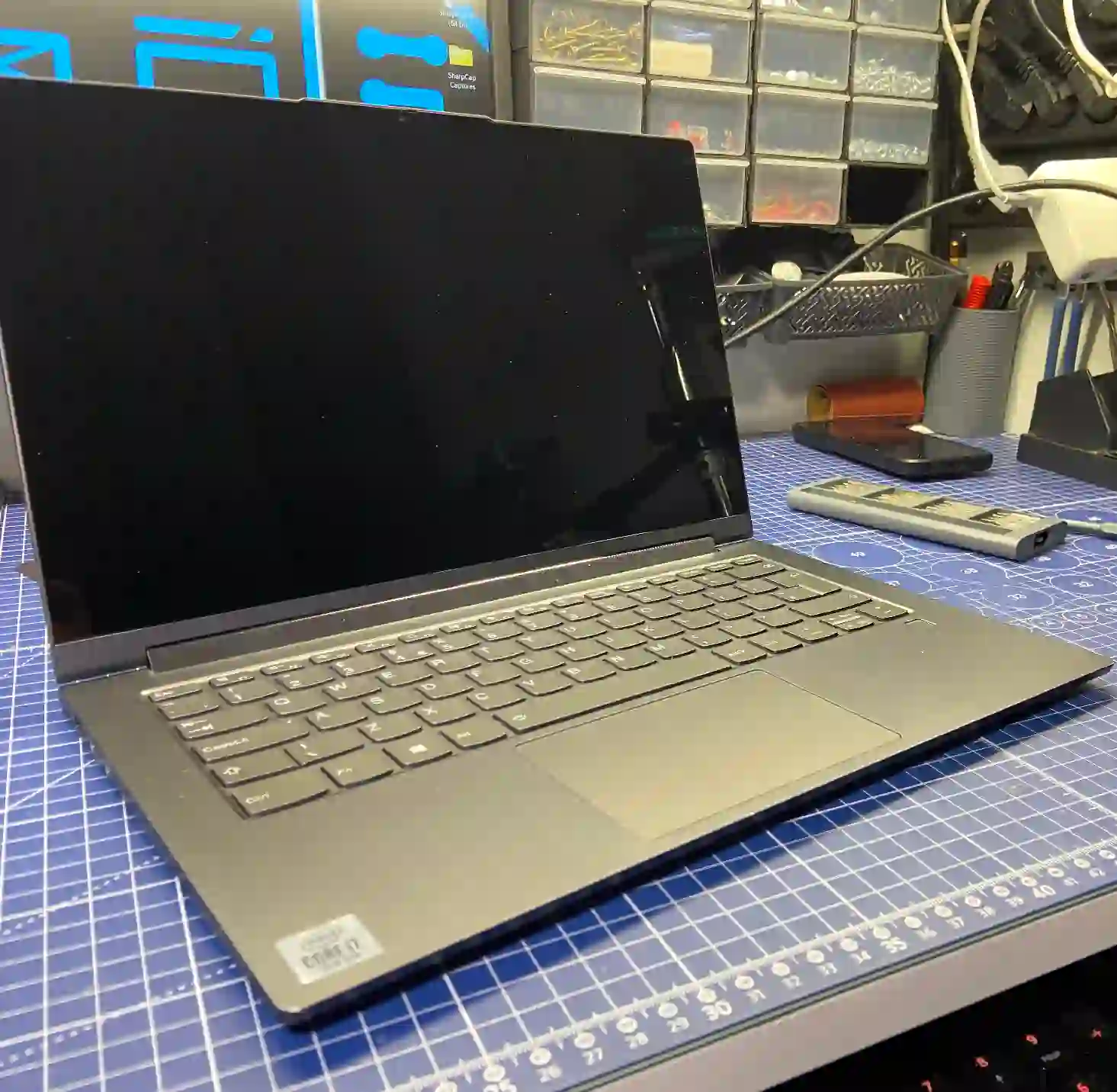
Before we install the system — we check the drive
This is an important distinction, which matters particularly with Dells:
Someone comes in and says the laptop’s broken because it won’t start — there’s a black screen or a blue screen. But after diagnostics it turns out it’s simply a drive problem.
Apenfix technician
That’s why with every system installation we start by checking the storage — we test the SSD’s condition and measure its speed. There’s no point installing fresh Windows on a drive that’ll fail in a month. If it turns out the drive is worn out, we say so directly and suggest drive replacement during the same visit — two services at once work out cheaper.
When you’re looking for Windows installation
You’ve found this page if you’re searching for answers to questions like: laptop won’t boot Windows, system reinstall Warsaw, Windows 11 installation price or where to install Windows on a laptop. It’s all one service — operating system installation and configuration.
When it’s worth installing the system on a laptop
- Windows won’t start — laptop won’t boot into the system
- New laptop that needs configuring from scratch
- Laptop slowing down significantly, freezing, lots of junk accumulating in the system
- Suspected virus or unstable Windows
- Buying a used laptop — fresh system installation to start
Most often people come to us with two issues: Windows simply stopped booting, or they have a new laptop that needs to be set up from scratch. In both cases we do a turnkey system installation — so the customer collects their device and can start working on it straight away, without tweaking anything.
Apenfix technician
What’s included in system installation
System installation with us isn’t just loading Windows. We do it comprehensively, turnkey:
- SSD check — we test the drive’s condition and measure its speed
- Choosing the system version — we ask which Windows to install (usually Windows 11)
- Your language — Polish, English, Ukrainian, Russian or another
- All drivers — we install the complete set of drivers, nothing missing
- Licence help — we check for a key in the BIOS, and if there isn’t one, we advise where and how to buy it
What about my data during system installation
Every case is individual — we always ask whether data needs to be kept. If so, we check the drive’s condition and choose the right solution:
- Small amount of data — we transfer it free of charge alongside the installation
- Larger amount of data — we quote depending on the volume and always agree it with the customer
- Damaged drive — we can recover data, and it works out cheaper with the installation (two services at once)
- Upgrading to a faster SSD — we transfer your entire system and data to the new drive
We always discuss with the client first what to do with the data — we never delete anything without your consent.
How system installation works at our service centre
1. Consultation
We determine the Windows version, language and what to do with your data.
2. Drive check
We test the SSD and its speed before installation.
3. Turnkey installation
Operating system, all drivers and licence configuration.
4. Collection
You collect your laptop ready to use — no tweaking needed.
Windows installation for Dell laptops — we serve all of Warsaw
We accept Dell laptops for system installation from clients in every Warsaw district — Śródmieście, Wola, Mokotów, Ochota, Żoliborz, Bemowo, Bielany, Ursynów, Praga-Południe, Praga-Północ, Targówek, Białołęka, Wawer, Włochy, Ursus, Wilanów, Rembertów and Wesoła — as well as from the surrounding areas.
We have more than one location in convenient parts of Warsaw, so getting to us is quick and easy wherever you live or work. Our current service point addresses are listed further down this page.
Why Apenfix
Frequently asked questions
How much does Windows installation for a Dell laptop cost?
The price depends on the scope — installation only, or data transfer and drive upgrade. Current rates can be found in the price list.
Laptop won’t boot into the system — is a reinstallation enough?
Not always. A black or blue screen at startup very often means a faulty drive, not the system itself. That’s why we always check the storage first — a free inspection will show what’s causing the problem.
Which Windows will you install?
Whichever you choose — most commonly Windows 11. We also configure it in your preferred language: Polish, English, Ukrainian, Russian or another.
Will you keep my data during the installation?
Yes, if you need us to. We always ask before installation. For small amounts of data, transfer is free; for larger amounts, we quote individually.
I don’t have a licence key — what then?
We check whether the key is stored in the laptop’s BIOS. If not, we advise where and how to buy one legally.
Prices for all services can be found in our price list.
Two service points in Warsaw
Visit whichever of our two locations is more convenient for you.
Location 1 — Wolska
Wolska 50A/Lokal 26
01-187 Warszawa
Location 2 — al. Szucha
al. Jana Chrystiana Szucha 1
00-580 Warszawa
See also
- Lenovo system installation
- Dell drive replacement
- Asus system installation
- Dell cooling system cleaning
