
XPS — system installation optimised for high-resolution screens
In the XPS, as a premium laptop with high-resolution and often touchscreen displays, correct installation of graphics and touch drivers has a direct impact on display quality and user comfort. We always ensure that after system installation, scaling and image sharpness are configured correctly for the specific XPS model.
When you’re looking for help with your XPS
You find us by searching for „Dell XPS won’t boot Windows”, „system installation XPS Warsaw” or „XPS screen blurry after installation”.
Signs that system reinstallation is needed
- Windows won’t start or gets stuck in a boot loop
- High-resolution screen displays incorrectly after installation
- System runs very slowly and unstably despite repair attempts
- Missing drivers after self-installing Windows
With XPS laptops, we always ensure correct scaling and screen drivers — without them, the high-resolution display can’t show its full potential.
Apenfix technician
What happens if you delay
- Risk of losing access to data if the drive starts failing further
- Continued problems with system and application stability
- Unable to install Windows security updates
How system installation works at our service centre
1. Free inspection
We check the SSD and measure its speed before installing the system.
2. Choosing the version
We determine the system version (usually Windows 11) and language — Polish, English, Ukrainian or Russian.
3. Drivers and activation
We install a complete set of drivers, including the screen driver, and check the licence key in the BIOS.
4. Testing and warranty
We test the system and screen operation and provide a minimum 3-month warranty.
Repair time may vary depending on parts availability and service workload.
XPS system installation — we serve all of Warsaw
We accept XPS laptops from customers in every Warsaw district — Śródmieście, Wola, Mokotów, Ochota, Żoliborz, Bemowo, Bielany, Ursynów, Praga-Południe, Praga-Północ, Targówek, Białołęka, Wawer, Włochy, Ursus, Wilanów, Rembertów and Wesoła — as well as from the surrounding areas.
We have more than one location in convenient parts of Warsaw, so getting to us is quick and easy wherever you live or work. Our current service point addresses are listed further down this page.
Why Apenfix
Frequently asked questions
Will the XPS screen definitely be sharp after the system installation?
Yes, we always install the appropriate drivers and set the correct scaling for the specific screen model.
Will I lose data when installing the system on my XPS?
We always ask about data before starting work. We transfer small amounts of data free of charge.
Which version of Windows do you install on Dell XPS?
Usually Windows 11, but we match the version and language to your needs.
What if I don’t have a licence key?
We check the key stored in the XPS BIOS. If there isn’t one, we’ll advise where to buy it legally.
How long does system installation take on an XPS?
Usually 1–3 working days.
The exact cost of system installation on a Dell XPS is determined individually after a free inspection. You’ll find the current price list under the button above.
Two service points in Warsaw
Visit whichever of our two locations is more convenient for you.
Location 1 — Wolska
Wolska 50A/Lokal 26
01-187 Warszawa
Location 2 — al. Szucha
al. Jana Chrystiana Szucha 1
00-580 Warszawa
See also
- Dell XPS cooling cleaning
- Dell XPS diagnostics
- Dell XPS battery replacement
- Dell Latitude system installation
Your Dell XPS won’t boot into Windows, or after reinstallation the high-resolution screen displays incorrectly? We install the system on your XPS completely, including all drivers. The repair usually takes 1–3 working days.
In short: XPS, as a premium laptop with high-resolution screens, often touchscreens, requires precisely matched drivers for the display to work correctly after reinstallation. We install Windows from scratch, match the version and language, load all drivers turnkey, and check the licence key in the XPS BIOS.
Our experience with Dell XPS
We’ve installed the system on 2 Dell XPS laptops. This is Dell’s premium series — slim, metal casing, often high-resolution and touchscreen displays.
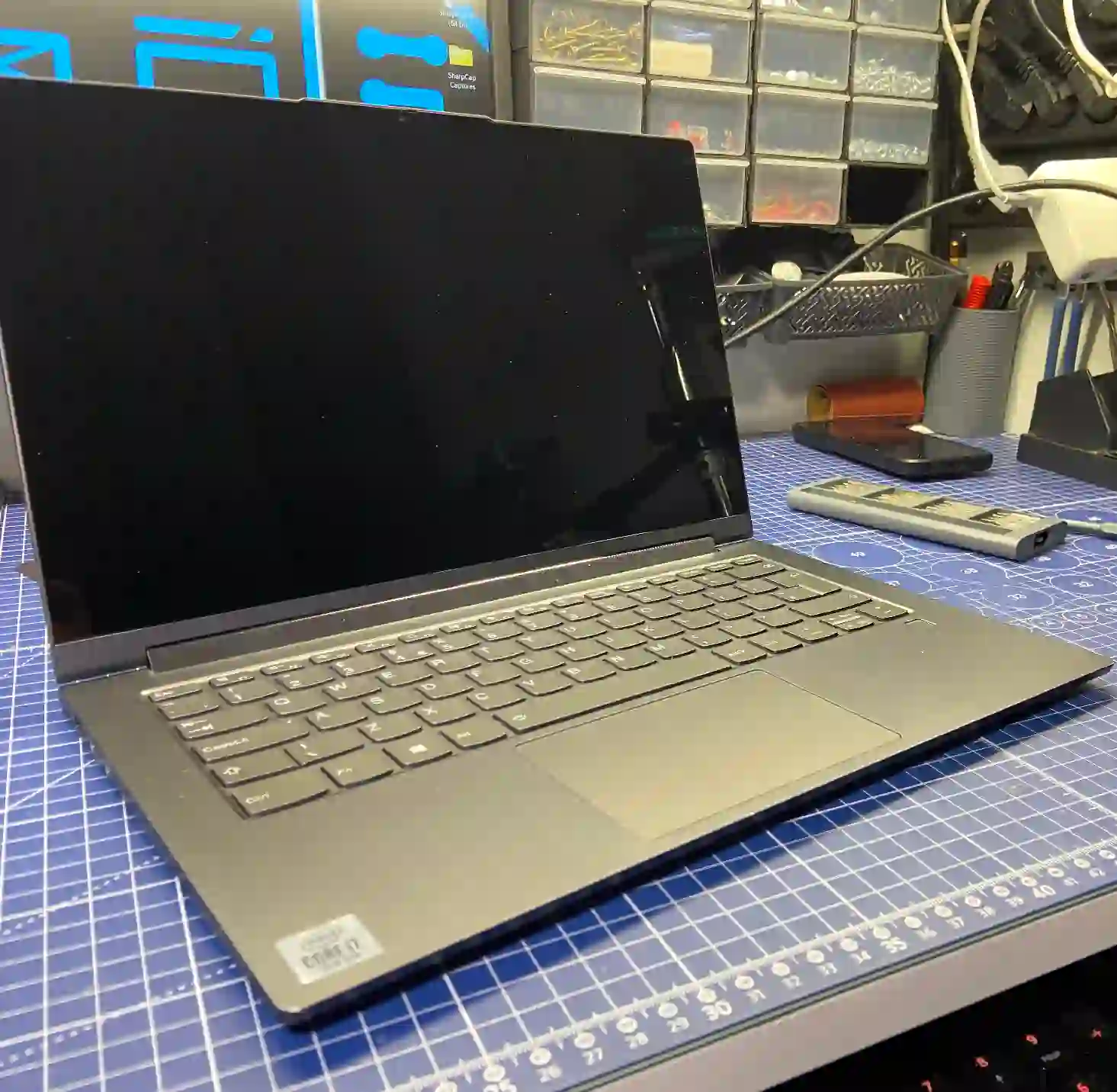
XPS — system installation optimised for high-resolution screens
The XPS is a premium laptop with high-resolution, often touchscreen displays, so correct installation of graphics and touch drivers directly affects display quality and user comfort. We always ensure that after system installation, scaling and image sharpness are configured correctly for your specific XPS model.
When you’re looking for help with your XPS
You find us by searching „Dell XPS won’t start Windows”, „XPS system installation Warsaw” or „XPS screen blurry after installation”.
Symptoms indicating the need for system reinstallation
- Windows won’t start or loops during boot
- High-resolution screen displays incorrectly after installation
- System runs very slowly and unstably despite repair attempts
- Missing drivers after self-installing Windows
With XPS laptops, we always ensure correct scaling and screen drivers — without them, the high-resolution display can’t show its full potential.
Apenfix technician
What happens if you delay
- Risk of losing access to data if the drive starts failing further
- Continued problems with system and application stability
- Unable to install Windows security updates
How system installation works at our service centre
1. Free inspection
We check the SSD and measure its speed before installing the system.
2. Choosing the version
We agree on the system version (usually Windows 11) and language — Polish, English, Ukrainian or Russian.
3. Drivers and activation
We install a full set of drivers, including display drivers, and check the licence key in the BIOS.
4. Testing and warranty
We test the system and display operation and provide a minimum 3-month warranty.
Repair time may vary depending on parts availability and service centre workload.
XPS system installation — we serve all of Warsaw
We accept XPS laptops from customers in every Warsaw district — Śródmieście, Wola, Mokotów, Ochota, Żoliborz, Bemowo, Bielany, Ursynów, Praga-Południe, Praga-Północ, Targówek, Białołęka, Wawer, Włochy, Ursus, Wilanów, Rembertów and Wesoła — as well as from the surrounding areas.
We have more than one location in convenient parts of Warsaw, so getting to us is quick and easy wherever you live or work. Our current service point addresses are listed further down this page.
Why Apenfix
Frequently asked questions
Will the XPS screen definitely be sharp after system installation?
Yes, we always install the correct drivers and set the proper scaling for the specific screen model.
Will I lose my data when the system is installed on my XPS?
We always ask about your data before starting work. We transfer small amounts free of charge.
Which version of Windows do you install on Dell XPS?
Usually Windows 11, but we match the version and language to your needs.
What if I don’t have a licence key?
We check the key stored in the XPS BIOS. If there isn’t one, we’ll advise where to buy it legally.
How long does system installation take on an XPS?
Usually 1–3 working days.
The exact cost of system installation on a Dell XPS is determined individually after a free inspection. You’ll find the current price list under the button above.
See also
- Dell XPS cooling system cleaning
- Dell XPS diagnostics
- Dell XPS battery replacement
- Dell Latitude system installation
