
The drive in your laptop encrypted with BitLocker has stopped being read, and you’re not sure if you have the recovery key? We check the real possibilities of data recovery in such a situation before you make a decision. Repair usually takes 1–3 working days.
In short: BitLocker is drive encryption that makes data recovery much more difficult — without the recovery key it’s nearly impossible, because the data is encrypted regardless of whether the drive itself physically works. We always start by checking if the key is available, e.g. on your Microsoft account. Service available in Warsaw, repair usually takes 1–3 working days.
Our experience with BitLocker-encrypted drives
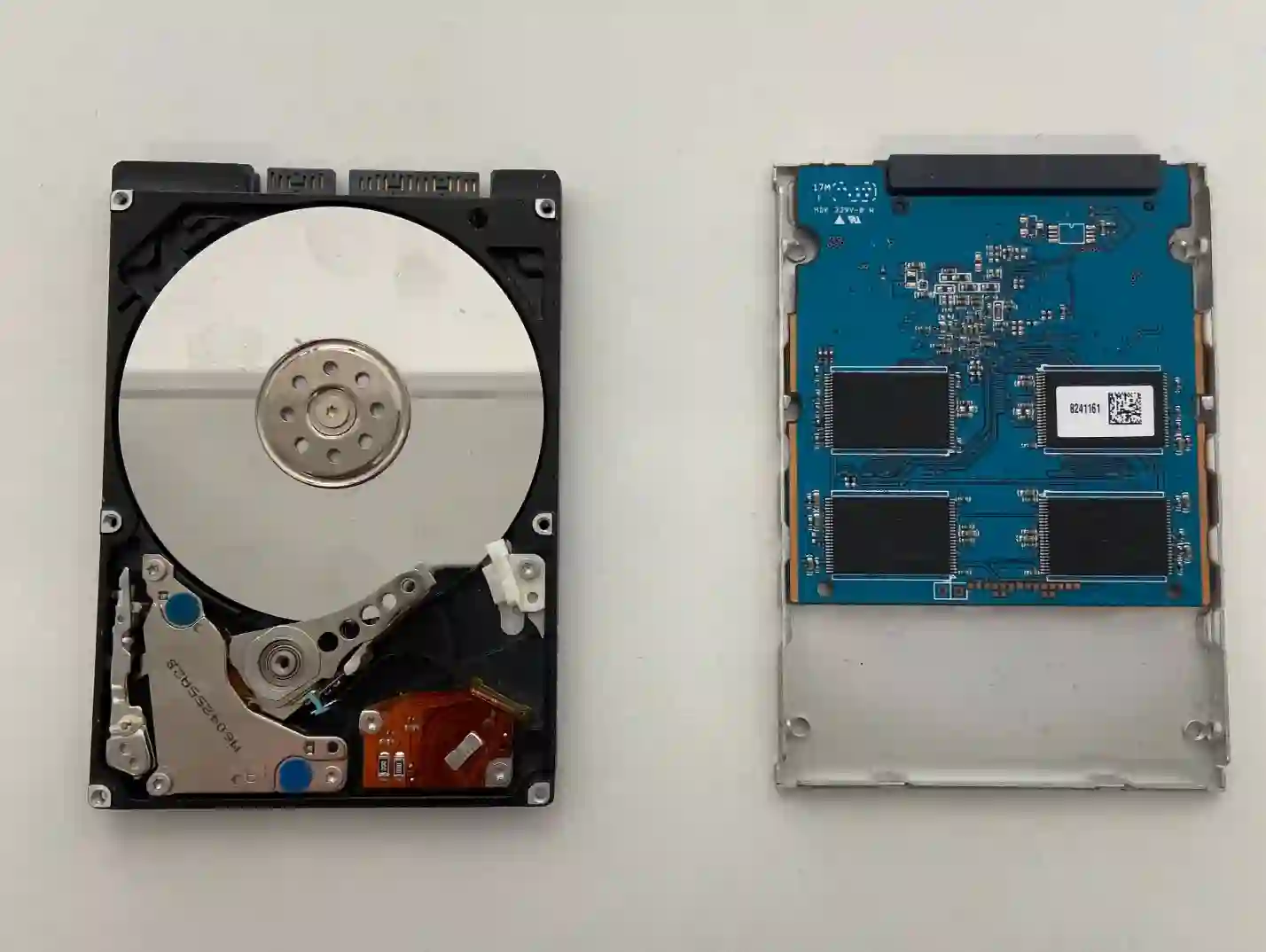
BitLocker-encrypted drives come to us often with business laptops, e.g. from the EliteBook or Latitude series, where encryption is sometimes enabled by default in companies. We can read the drive itself with our custom service equipment, but without the recovery key the data remains encrypted — that’s why the first step is always to establish whether the key exists somewhere.
Why the recovery key is crucial here
BitLocker encrypts data at the drive level itself, so even if we technically manage to read it, without the proper key the contents remain unreadable. That’s why before we proceed with any work, we check together with the client whether the recovery key might have been saved to the Microsoft account linked to the laptop — that’s the most common place where it can be found.
When you’re looking for BitLocker drive data recovery
Usually people come to us who search online for: „BitLocker encrypted drive not working”, „how to recover data from encrypted drive” or „lost BitLocker recovery key”. If you recognise your situation in these phrases, you’ll probably solve it right here with us.
Symptoms — when it’s worth checking the BitLocker situation
- The drive in your company laptop was encrypted and the laptop stopped working
- You don’t remember if the recovery key was ever saved
- The laptop asks for the recovery key after restarting
- The drive physically works but the system can’t read the data
- The company IT department doesn’t have access to the recovery key
With BitLocker, we always tell the client straight away — without the recovery key, we won’t be able to unlock the data, regardless of how good our equipment is. It’s worth checking your Microsoft account first before assuming the data is lost.
Apenfix technician
What not to do with an encrypted drive
What you do right after noticing a problem with an encrypted drive matters:
- Don’t try entering random keys multiple times
- Don’t format the drive „just to see” if it works
- Check the Microsoft account linked to the laptop first — instructions are available on the Microsoft website
- If it’s a company laptop, contact your IT department about the key
How we assess the BitLocker situation at our service centre
1. Free inspection
We check the physical condition of the drive and at what stage of encryption the process got stuck.
2. Identifying the key source
Together with the client, we check whether the recovery key might have been saved to a Microsoft account or with the IT department.
3. Reading the drive (if the key is available)
If the key is found, we read the drive and unlock access to the data.
4. Handing over the recovered data
We copy the recovered data to a storage device and hand it over to the client.
Above, we describe how the process works at our service centre. This is not a DIY repair guide — working with an encrypted drive requires caution, so we recommend bringing your laptop to the service centre without attempting to unlock it yourself.
BitLocker data recovery — we serve all of Warsaw
We accept laptops with BitLocker-encrypted drives from clients in every Warsaw district — Śródmieście, Wola, Mokotów, Ochota, Żoliborz, Bemowo, Bielany, Ursynów, Praga-Południe, Praga-Północ, Targówek, Białołęka, Wawer, Włochy, Ursus, Wilanów, Rembertów and Wesoła — as well as from the surrounding areas.
We have more than one location in convenient parts of Warsaw, so getting to us is quick and easy wherever you live or work. Our current service point addresses are listed further down this page.
Why Apenfix
Frequently asked questions
Is it possible to recover data from a BitLocker drive without the key?
It’s extremely difficult, practically almost impossible — the data is encrypted regardless of whether the drive is physically working. First, it’s worth checking whether the key is saved in your Microsoft account.
Where can I find my BitLocker recovery key?
Most often it’s saved in the Microsoft account linked to the laptop — you’ll find full instructions on the Microsoft website. For company laptops, the IT department may have it.
Is checking the BitLocker situation free of charge?
We carry out the initial inspection and determine whether the key is available free of charge. We provide a specific quote for further action after this stage.
How long does checking and possible BitLocker data recovery take?
The repair usually takes 1–3 working days; in more complex cases, we agree on the timeframe individually after diagnostics.
Prices for all services can be found in our price list.
Two service points in Warsaw
Visit whichever of our two locations is more convenient for you.
Location 1 — Wolska
Wolska 50A/Lokal 26
01-187 Warszawa
Location 2 — al. Szucha
al. Jana Chrystiana Szucha 1
00-580 Warszawa
