
Sound stopped working, graphics card is stuttering, Wi-Fi keeps dropping, and it all started right after a Windows update? This is one of the most common issues reported at our service centre in Warsaw. Diagnosis takes 5–15 minutes, and we usually complete the repair within 1–3 working days.
In short: driver and system issues after a Windows update are among the most common problems we see at our service centre. Usually, reinstalling the drivers is enough, and in more difficult cases — a full system reinstallation. The diagnosis is free and takes 5–15 minutes. Current rates can be found in our price list.
Our experience in fixing problems after updates
We use diagnostic equipment daily that allows us to quickly distinguish software issues from hardware faults — we can immediately see whether the cause is a faulty driver, a corrupted system file, or a component failure. We also have access to an archive of older driver versions, which often proves to be the only effective solution.
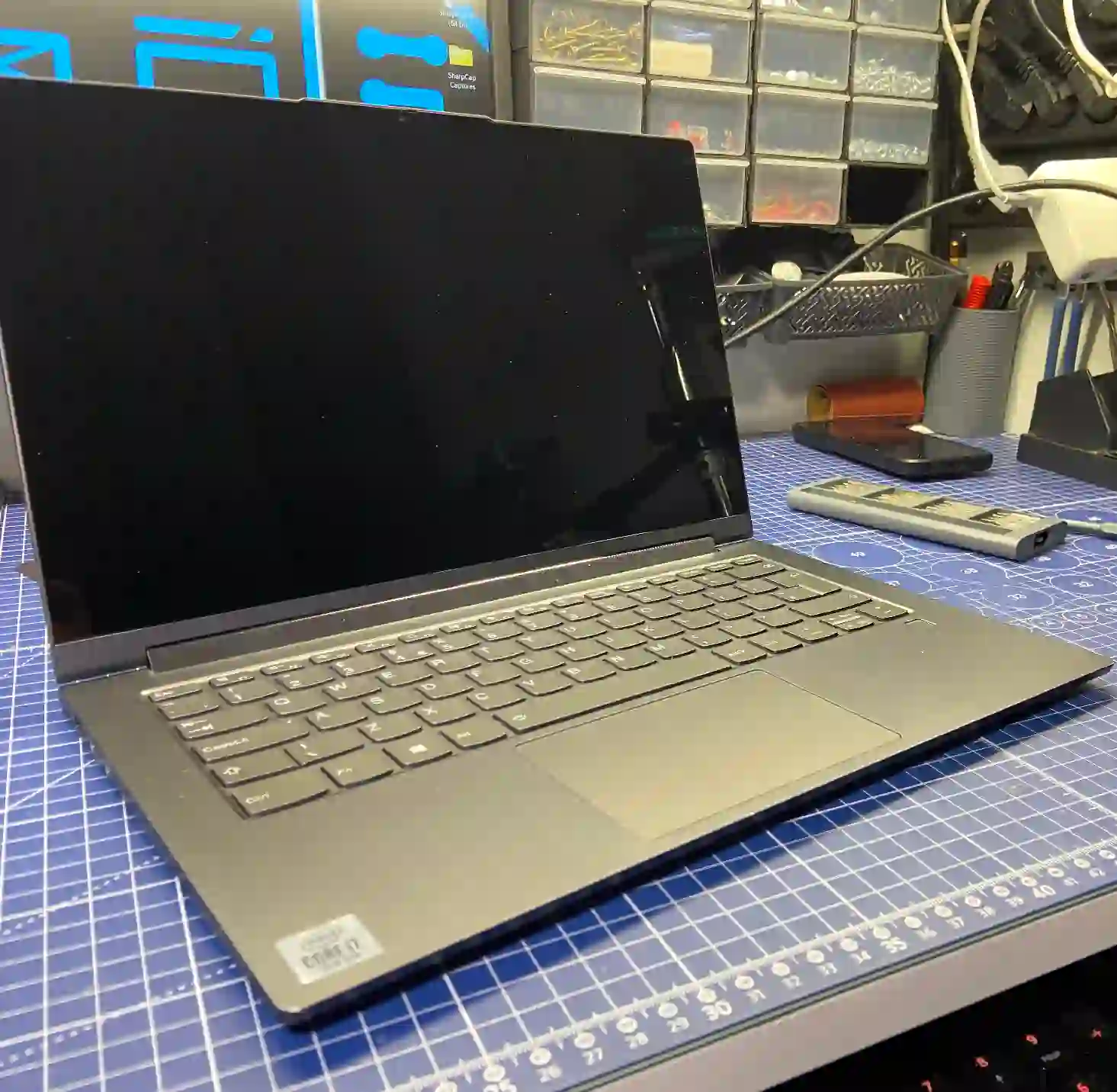
Why problems appear right after an update
From our experience, we see something that sounds counterintuitive at first — we receive the most reports right after Windows updates, meaning after something that was theoretically supposed to improve the system. In practice, the reason is simple: the update may not have installed completely, the new driver version is sometimes poorly developed, or it simply works less well with a particular laptop model than the previous one.
That’s why we follow a set order when fixing this. First, we reinstall the drivers — in many cases, that’s all it takes. If the problem persists, we do a complete Windows reinstall, because the error might have occurred during the update process itself. Only if that doesn’t help do we check whether the cause lies with the hardware. With sound issues, simply using an older driver version very often does the trick — we know which versions work best.
When you need help after a Windows update
You usually come to us when your laptop stops working after a Windows update, sound disappears after an update, Wi-Fi stops working after Windows Update, or your graphics card stutters after a driver update. These are typical signs that an update didn’t go smoothly.
Signs that you should get in touch
- No sound or display after Windows update
- Wi-Fi, Bluetooth or network card stopped working
- Laptop freezes, slows down or restarts on its own
- Driver error messages or blue screen
- Update stopped during installation
We see the most problems precisely after Windows updates — it sounds illogical, but that’s how it is in practice. Usually reinstalling the drivers is enough, and if that doesn’t help, we move on to a full system reinstallation, because the error may have occurred during the update itself.
Apenfix technician
What happens if you delay
- The system becomes increasingly unstable, the risk of data loss grows
- Faulty drivers can lead to component overheating
- Subsequent updates may deepen driver conflicts
- It becomes harder to restore the system to its state before the problem
How the repair works at our service centre
1. Free inspection
We check whether the problem is software or hardware — 5–15 minutes.
2. Driver reinstallation
In many cases this is the only step needed to restore functionality.
3. System reinstallation
If the problem persists, we install Windows from scratch.
4. Collection check
We check the system and drivers together with you when you collect your laptop.
If the problem persists after reinstalling the system, we check the hardware components — we always inform you about further steps before continuing with the repair.
Driver and system repair — we serve all of Warsaw
We accept laptops with problems after Windows updates from customers in every district of Warsaw — Śródmieście, Wola, Mokotów, Ochota, Żoliborz, Bemowo, Bielany, Ursynów, Praga-Południe, Praga-Północ, Targówek, Białołęka, Wawer, Włochy, Ursus, Wilanów, Rembertów and Wesoła — as well as from the surrounding areas.
We have more than one location in convenient parts of Warsaw, so getting to us is quick and easy wherever you live or work. Our current service point addresses are listed further down this page.
Why Apenfix
Frequently asked questions
Why did the laptop stop working right after a Windows update?
Most often, the update didn’t install completely, or the new driver version works less well with that particular laptop model than the previous one. This is one of the most common reasons for service requests at our repair service.
Do you always have to reinstall the entire system?
Not always. We start by reinstalling the drivers — in many cases that’s enough. We only reinstall the system if that doesn’t help.
Sound disappeared after an update — what do you do in such cases?
With sound problems, installing an older, proven driver version very often helps — we know how to select the right version.
How long does it take to fix problems after an update?
Usually 1–3 working days. The free inspection, which shows the scope of the problem, takes 5–15 minutes.
What if the problem turns out to be hardware-related after all?
If the symptoms don’t go away after reinstalling the system, we check the components and inform you about further steps before we take any action.
Current rates for driver and system repair can be found in our price list — the inspection is free, and you’ll receive a quote before the repair begins.
Two service points in Warsaw
Visit whichever of our two locations is more convenient for you.
Location 1 — Wolska
Wolska 50A/Lokal 26
01-187 Warszawa
Location 2 — al. Szucha
al. Jana Chrystiana Szucha 1
00-580 Warszawa
See also
- What to do when your laptop malfunctions after a Windows update
- Laptop fan repair
- Repairs in difficult and unusual cases
- Unusual cases from our repair service
