
You enter the BIOS, look at the drive list — and it’s empty. The drive that was working just recently has simply disappeared. Before you start worrying about the worst-case scenario, there’s one question that will determine the direction of further diagnostics: was this drive working before, or is it a new, never-formatted drive? We’ll check this together during a free inspection in 5–15 minutes.
In short: if the drive was working before and stopped being visible in the BIOS, it’s most often a drive failure that requires replacement. If it’s a new, never-used drive — that’s a completely different story, usually related to configuration rather than damage.
Most common causes — from most to least likely
- Failure of a drive that was working before — by far the most common scenario. The drive physically stops responding.
- Loose or damaged connection between the drive and the motherboard — less common, but happens after a shock or laptop drop.
- BIOS configuration issue — mainly affects newly installed drives that require a controller mode change.
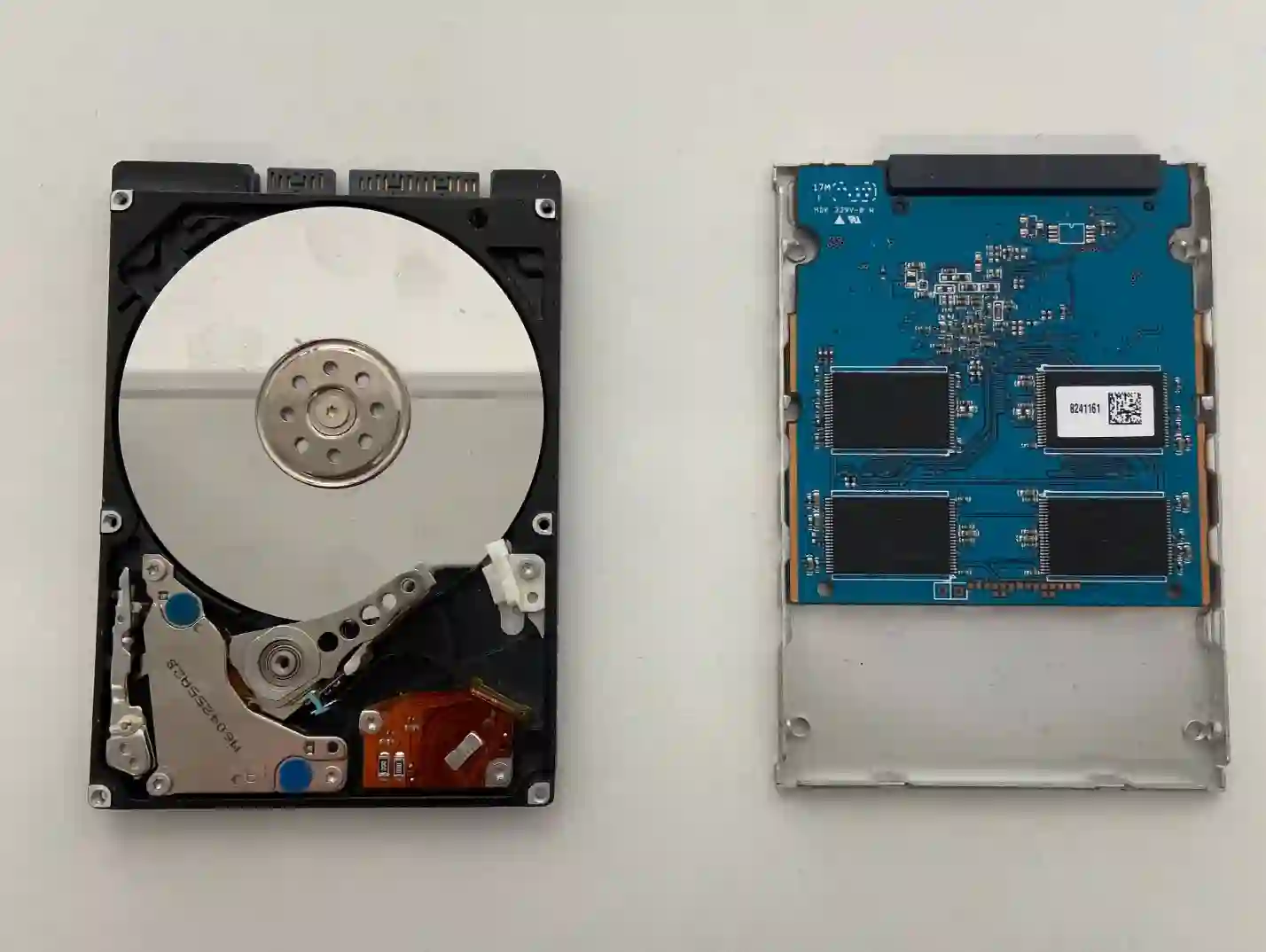
Check the drive condition yourself: HD Tune tool
If the drive is still visible in the system but you have the impression that the laptop is „slowing down” or occasionally freezes, you can check its condition with the free HD Tune tool (this is a recommendation, not an advert — there are many similar programs). Measure the read speed: a result above 200 MB/s is normal for a healthy SSD, while a result around 50 MB/s is a clear warning sign. It’s worth remembering that SSDs rarely „slow down” gradually — they usually work normally or stop working suddenly, without warning.
What you can check yourself
- Consider whether the drive was working properly recently, or if it’s a newly installed drive.
- If the laptop recently fell or was shaken hard — that’s important information for the technician.
- If the drive is still visible in the system, check its speed with a tool such as HD Tune.
- Take a photo of the BIOS screen showing the empty drive list.
What NOT to do
- If you’ve noticed that data has disappeared — do not shut down or restart the laptop at all. In SSDs, restarting can cause data to be overwritten.
- Don’t try reinstalling the system „just to see”.
- Don’t take the laptop apart or disconnect the drive yourself — it’s easy to damage the connector.
The first question we always ask is: was this drive working yesterday? The answer immediately directs the diagnosis in one of two completely different directions.
Apenfix technician
How we diagnose it
1. Current draw measurement
We use a 19 V lab power supply to check whether the problem is limited to the drive or goes deeper.
2. Drive test outside the laptop
We test the drive independently of the motherboard to rule out an issue with the connector itself.
3. Assessment of data recovery possibilities
If the drive is damaged, we immediately estimate the chances of recovering the data.
4. Drive replacement and system installation
Once the failure is confirmed, we install a new drive along with the system and drivers — fully ready to use.
Initial diagnostics are always free. Extended diagnostics (1–3 working days) are free if you proceed with the repair, and charged only if you decline — we quote the price upfront.
Laptop repair when BIOS doesn’t detect the drive — we serve all of Warsaw
We accept laptops with this issue from customers in every Warsaw district — Śródmieście, Wola, Mokotów, Ochota, Żoliborz, Bemowo, Bielany, Ursynów, Praga-Południe, Praga-Północ, Targówek, Białołęka, Wawer, Włochy, Ursus, Wilanów, Rembertów and Wesoła — as well as from the surrounding areas.
We have more than one location in convenient parts of Warsaw, so getting to us is quick and easy wherever you live or work. Our current service point addresses are listed further down this page.
Why Apenfix
Frequently asked questions
The drive was working yesterday, but today it’s disappeared from BIOS — what does this mean?
This is a classic picture of sudden drive failure. SSDs rarely slow down gradually — they usually stop working suddenly.
Can data be recovered from a drive that’s not visible in BIOS?
It depends on the cause and extent of damage. With HDDs, data can almost always be recovered; with SSDs the chances are lower, but still realistic.
I installed a new drive and BIOS doesn’t see it — is it faulty?
Not necessarily — with new drives it’s more often about controller settings in BIOS rather than damage. This is a completely different diagnosis from a drive that was working before.
Is HD Tune enough to assess the drive’s condition?
It’s a good tool for initial orientation, but full diagnostics require equipment and measurements that only a service centre has access to.
The laptop fell recently and now BIOS doesn’t see the drive — is it definitely drive failure?
That’s important information — after a fall, the problem could also be a loose connection between the drive and motherboard, not the drive itself. Worth checking during diagnostics.
The exact repair cost depends on what diagnostics reveal. Current rates can be found in the price list — a free inspection always precedes the quote.
Two service points in Warsaw
Visit whichever of our two locations is more convenient for you.
Location 1 — Wolska
Wolska 50A/Lokal 26
01-187 Warszawa
Location 2 — al. Szucha
al. Jana Chrystiana Szucha 1
00-580 Warszawa
See also
- „No bootable device” message — what to do
- Laptop boots into BIOS instead of the system
- Laptop fell — what to do
- Dell laptop drive replacement
