
Keys not working, liquid-damaged keyboard, or keys that stick? We replace MacBook keyboards in Warsaw, usually within 1–3 working days.
In short: We handle keyboard replacements in MacBook Air and Pro models. In Apple laptops, the keyboard is integrated with the top case and firmly attached to the housing, so replacement requires more precision and time than in a typical Windows laptop.
Our experience repairing MacBooks
Keyboard replacement is one of the most common MacBook repairs we carry out. We use professional equipment — microscopes, soldering stations, keyboard testers and specialised tools for top case disassembly — so the repair is carried out precisely and safely for all other components.
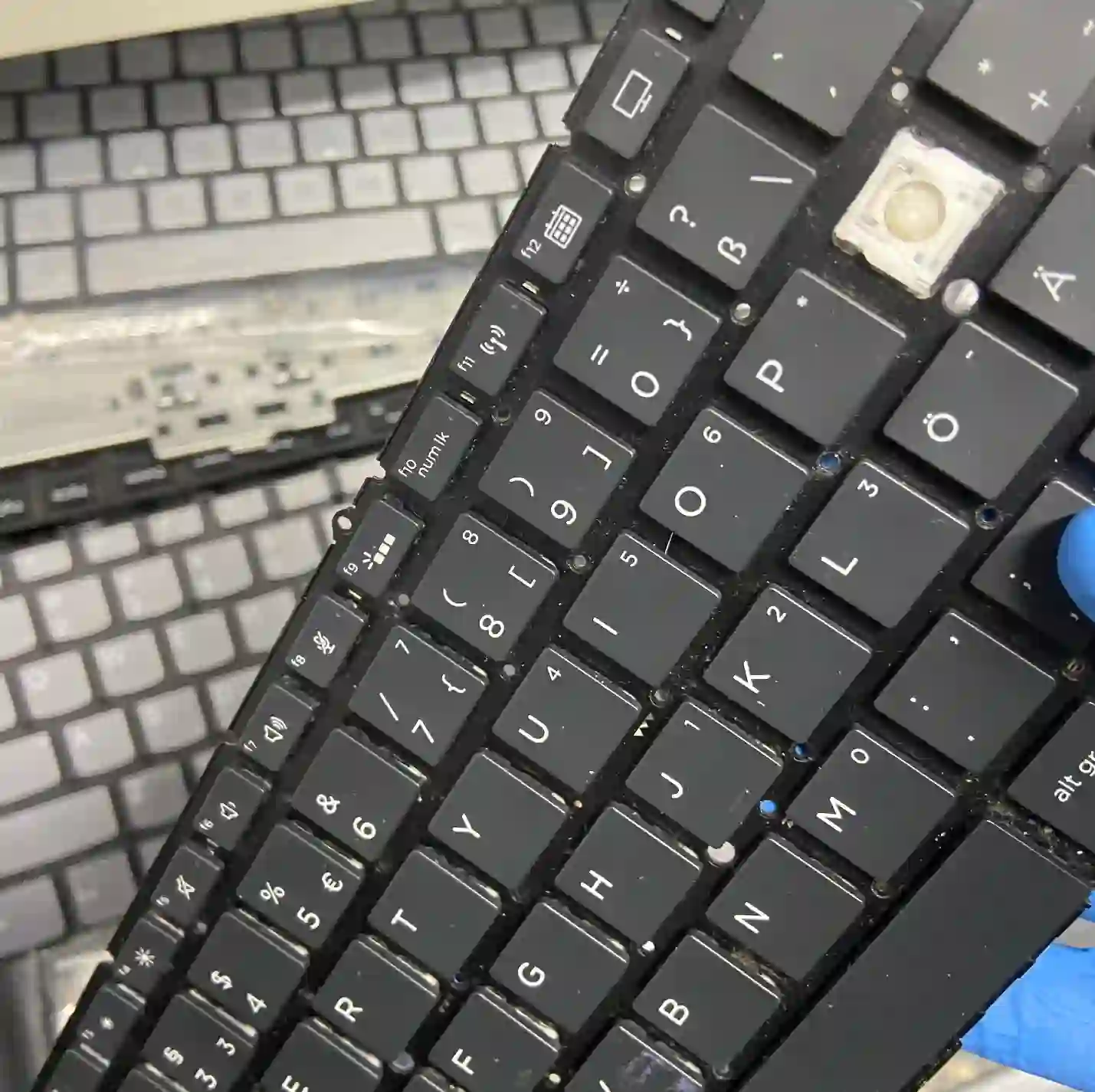
Why MacBook keyboard replacement takes longer
In most Windows laptops, the keyboard is a separate, easily replaceable module. In a MacBook, the keyboard is part of the top case — the entire upper housing to which the battery, trackpad and many other components are attached. For this reason, keyboard replacement alone takes significantly more time in a MacBook than in a typical laptop, because many interconnected components must be carefully disconnected and reconnected.
Apple’s model standardisation works in our favour here — the necessary parts are usually available from stock, which shortens waiting time.
When you’re looking for MacBook keyboard replacement
We usually see people searching for phrases like „liquid-damaged MacBook keyboard”, „space bar not working MacBook” or „sticky keys MacBook Pro”.
Symptoms of a damaged keyboard
- Individual keys don’t respond or respond with a delay
- Keys stick or sink in
- Double typing of characters
- Signs of liquid damage — stickiness, discolouration under the keys
- Visible cracks or missing keys
- Keyboard has stopped working completely
„The same keyboard replacement in a MacBook takes significantly more time than in a regular laptop — because the keyboard is part of the entire top case, not a separate module.”
Apenfix technician
What happens if you delay
- Liquid damage not cleaned immediately can damage the motherboard
- Daily work on a faulty keyboard makes normal laptop use difficult
- Sticking keys can lead to permanent damage to the mechanism
How keyboard replacement works at our service centre
1. Free inspection
We test every key and check the cause of the fault, 5–15 minutes.
2. Ordering parts
Thanks to the standardisation of Apple models, we usually have the part available immediately.
3. Precise disassembly
We disconnect the related top case components and replace the keyboard.
4. Key testing
We test every key and the touchpad function before handing the laptop back.
Repair time may vary depending on parts availability and MacBook model.
MacBook keyboard replacement — we serve all of Warsaw
We accept Apple laptops for keyboard replacement from customers in every Warsaw district — Śródmieście, Wola, Mokotów, Ochota, Żoliborz, Bemowo, Bielany, Ursynów, Praga-Południe, Praga-Północ, Targówek, Białołęka, Wawer, Włochy, Ursus, Wilanów, Rembertów and Wesoła — as well as from the surrounding areas.
We have more than one location in convenient parts of Warsaw, so getting to us is quick and easy wherever you live or work. Our current service point addresses are listed further down this page.
Why Apenfix
Frequently asked questions
Can you replace a single key?
In many cases yes, but due to the topcase design, sometimes a larger module replacement is necessary — we’ll assess this precisely during the free inspection.
How long does a keyboard replacement take?
Usually 1–3 working days, depending on the model and parts availability.
What should I do if I’ve spilt liquid on the keyboard?
Switch off the laptop as quickly as possible and bring it to the service — the sooner we check the device, the lower the risk of motherboard damage.
Is the diagnosis chargeable?
No, the initial 5–15 minute inspection is always free.
Is the repair more expensive than on a Windows laptop?
Yes, usually roughly more expensive — due to the topcase design and longer labour time.
You’ll find current rates in the price list.
Two service points in Warsaw
Visit whichever of our two locations is more convenient for you.
Location 1 — Wolska
Wolska 50A/Lokal 26
01-187 Warszawa
Location 2 — al. Szucha
al. Jana Chrystiana Szucha 1
00-580 Warszawa
See also
- MacBook liquid damage repair
- MacBook screen replacement
- Express repair service
- What not to do with your laptop
